Customer service

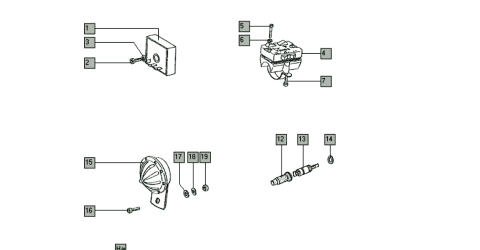
Tomos Classic Electronics Exploded View
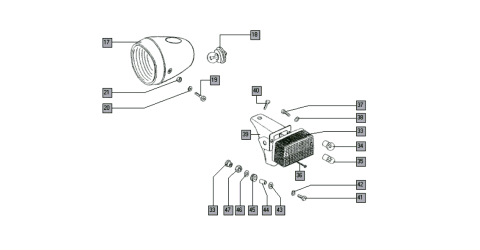
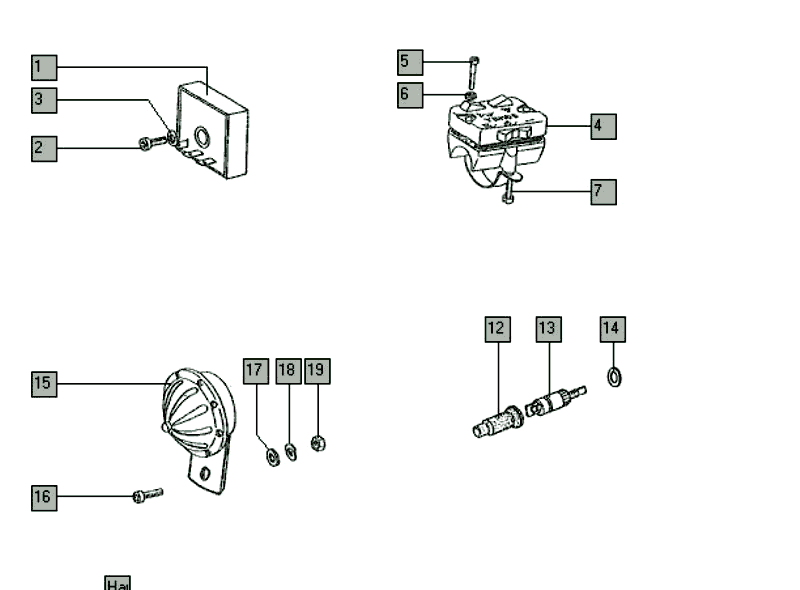
Use this exploded view to identify the electrical and handlebar control parts for a Tomos Classic setup. The numbered diagram helps you match the part on the moped to the correct Tomos part number, product page, or hardware description.
This page covers the voltage regulator, lighting switch, horn, wiring harnesses, bolts, washers, springs, rubber grommet, and related mounting hardware shown in the diagram.
Exploded view diagram
The diagram below shows the electrical and control components in their relative position. Click a number in the drawing to jump directly to the matching row in the parts list.
 Item 1
Item 2
Item 3
Item 4
Item 5
Item 6
Item 7
Item 12
Item 13
Item 14
Item 15
Item 16
Item 17
Item 18
Item 19
Item 1
Item 2
Item 3
Item 4
Item 5
Item 6
Item 7
Item 12
Item 13
Item 14
Item 15
Item 16
Item 17
Item 18
Item 19
Parts list
Start by finding the item number in the exploded view diagram. Then match that number to the table below to check the Tomos part number, part name, and size or specification. Clickable part numbers open the matching Tomoshop product page.
Rows marked as related looms are useful wiring products connected to this electrical setup, but they may not appear as numbered callouts in the diagram.
| Item | Part number | Part name | Size / specification |
|---|---|---|---|
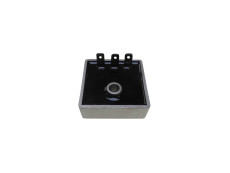
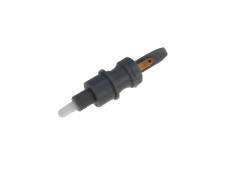
| 1 | 221038 | Voltage regulator | 12 volts, 3 pins, AC |
| 2 | 27266 | Bolt | M6 x 25 |
| 3 | 31845 | Spring washer | B6 |
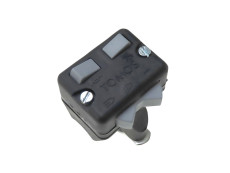
| 4 | 229719 | Right lighting switch | Handlebar switch |
| 5 | 44443 | Parker screw | 2.9 x 25 |
| 6 | 31909 | Washer | 3 mm |
| 7 | 44442 | Parker screw | 3.9 x 16 |
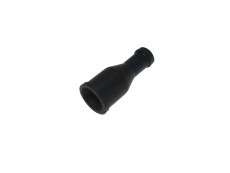
| 12 | 213194 | Rubber grommet | For cable protection / routing |
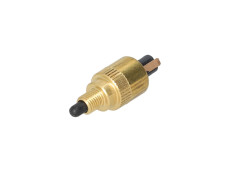
| 13 | 227191 | Switch | Electrical switch |
| 14 | 31932 | Washer | 6 mm |
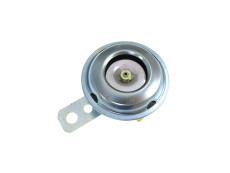
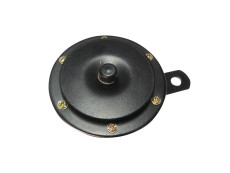
| 15 | 237179 | Horn | 12V AC/DC, 70 mm, black |
| 16 | 27268 | Bolt | M6 x 16 |
| 17 | 31932 | Washer | 6 mm |
| 18 | 31845 | Spring washer | B6 |
| 19 | 31075 | Nut | M6 |
| Related loom | 229767 | Rear base cable loom | Tomos A3 / S25 / A35 rear loom with brake light |
| Related loom | 230086 | Switch with cable complete | Wire loom with switches, Tomos Pack'R |
Installation notes
Electrical parts can look similar between Tomos models, but small differences in connectors, switches and cable routing can matter. Before replacing a part, check the old part number if possible and compare the shape of the connector, wire colors and mounting position.
Back to topFAQ: Tomos Classic Electronics Exploded View
How do I use this Tomos exploded view?
Click a number in the diagram or find the number manually, then match it to the same item number in the parts table. If the part number is clickable, it opens the matching Tomoshop product page.
Are all part numbers in this exploded view clickable?
No. Some parts, such as bolts, washers and small mounting hardware, may be listed as reference parts only. When a direct product page is available, the part number is linked.
Can I use these parts on every Tomos Classic?
Not always. Tomos electrical systems can differ by model, year and market. Always compare your original part, connector type and wiring layout before ordering.
What should I check before replacing a Tomos wiring harness?
Check the connector style, cable length, switch connections, brake light wiring and routing through the frame. A harness that looks similar may still be different in the details.